
 Kazanan






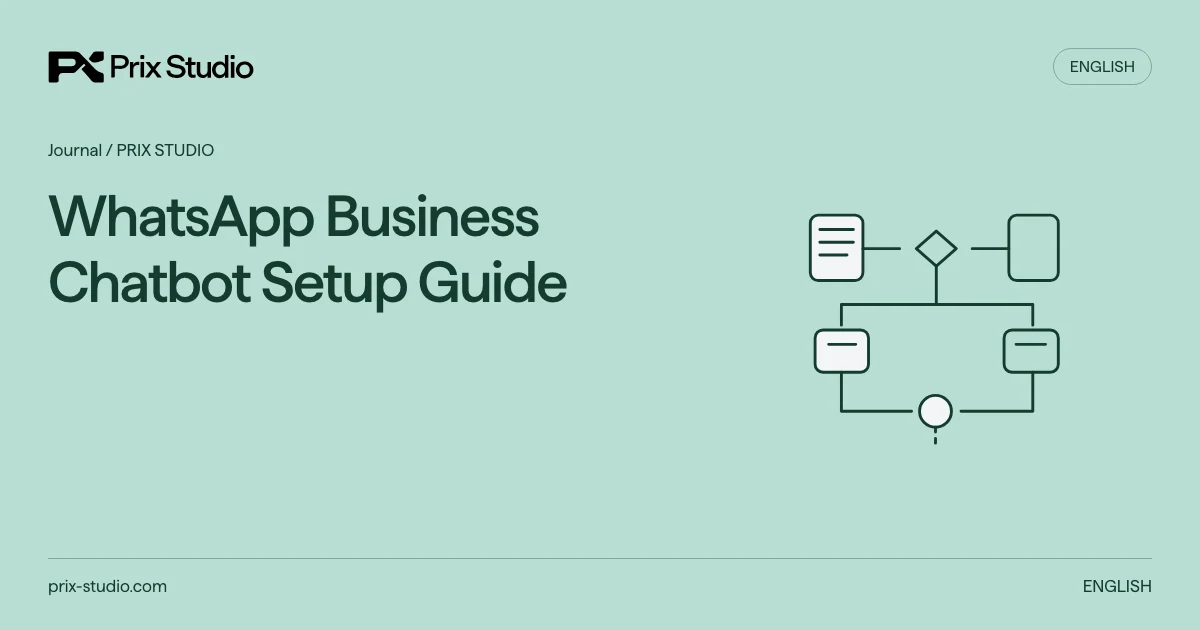
WhatsApp Business Chatbot Setup Guide
Setting up a WhatsApp chatbot involves more than a greeting. Define the questions it can answer, the information it uses and the person or channel that takes over when it cannot help. Account access, messaging rules, support capacity and record handling need coordinated preparation. The objective is to connect a customer with the right information or person, rather than keep them inside an endless menu.
Separate the app, platform integration and bot scope
When defining an AI support scope, do not treat the WhatsApp Business app and Business Platform integration as identical setups. Examine team workflows, required system connections and features available to the account. Basic greetings and quick replies involve different preparation from an integrated flow that retrieves orders and assigns conversations across a team.
Define permitted topics such as product information, opening hours, delivery guidance and escalation. Menus and rule-based answers can cover some needs. If AI is selected, review its purpose, data use and current Meta terms. A bounded support function and general-purpose assistant distribution require their own eligibility assessment.
Information
System lookup
Escalation
Prepare account, number and access ownership
For the automation setup, record ownership of the business portfolio, WhatsApp Business Account, number, administration and support inbox. Verify migration or coexistence conditions for the existing number through current Meta and provider documentation. Business verification, number registration and template approval are separate checks.
Record the account’s messaging capacity and send rate separately. WhatsApp policy states that negative user feedback can restrict messaging or access. Adding a bot does not create unlimited capacity; do not copy another account’s tier. Check the current Meta account view and provider errors, and define whether constrained jobs wait or stop.
Use dedicated test conversations to check event delivery, staff access, takeover and visible failures. Keep credentials out of briefs, messages and public logs. Preserve business account control when providers change. Track API acceptance and message delivery as different states.
Match consent to the purpose of the message
In messaging automation, knowing a number or username does not establish permission for subsequent contact. WhatsApp policy requires opt-in for subsequent messages or calls. Record the purpose, time and collection channel, and honor relevant opt-out requests received outside WhatsApp too.
Do not treat a support question as permanent marketing consent. Order updates and promotional offers create different expectations. Template approval does not replace recipient permission or applicable privacy obligations. The business must review consent wording, privacy notices and retention ownership.
Implement the service window and template path correctly
In the sending workflow, these rules apply to the WhatsApp Business Platform. Each user message opens or resets a 24-hour customer service window for free-form replies. Outside it, use approved templates. Business-initiated conversations also require an approved template. A bot or staff reply does not reset the window.
For example, after the last user message at 10:00 Monday, a free-form follow-up at 11:00 Tuesday is outside the window. Use a currently approved template suited to the purpose and recipient permission, or follow the agreed support route. Check language, category and variables before sending. Budget for current Meta pricing and provider costs; one universal message price is unsuitable.
| Situation | Send decision | Check |
|---|---|---|
| User messaged; window open | Appropriate free-form reply | Last user-message time and support purpose |
| Business initiates or window closed | Suitable approved template | Permission, purpose, language and current approval |
| Paused template or capacity/access error | Hold or stop sending | Error record, owner and alternative support route |
Design approved answers and escalation together
The chatbot knowledge base identifies current product, delivery and support guidance. A bot should not invent company prices or policies from general model knowledge. Record the owner, approved version and conditions for each source. Changing stock or personal order status requires a separately designed authorized lookup.
WhatsApp’s policy requires prompt, clear and direct escalation paths alongside automated responses. Suitable options can include team takeover, telephone, email or web support. Define the response when someone requests a representative or the source is insufficient. A loop that repeatedly asks the same question does not provide a useful handoff.
For example, answer dimensions from an approved catalogue and send a delivery exception to the authorized team. The handoff should summarize the question, source and unperformed action. Stop parallel bot replies when a representative takes over. Explain after-hours waiting conditions without promising an unsupported response time.
Make unsupported-answer handover a test case
Include missing or unverified answers in the chatbot knowledge-base pilot. Define what the bot says, which team receives the request and how an agent sees the previous state when the customer writes again. Human handover does not itself change messaging permission or platform conditions. Verify the current account and message-purpose requirements separately, while testing the handover as an actual support workflow.
Verify the pilot through message quality and support operation
The AI agent pilot approach also applies to normal and boundary chatbot scenarios. Check missing information, wrong language, excluded questions, closed windows, rejected templates and representative requests. Use an appropriate test environment that does not affect actual customer queues or account data.
The handover should contain the flow map, sources, template list, escalation owners and data access and retention plan. Operations staff need to know how to stop automation and return to manual support. Recheck relevant scenarios after model or content changes; one working answer does not verify every future version.
Monitor correct routing, unanswered questions, corrections and complaint signals. Test delayed sends near the window boundary, queued messages after opt-out and repeated events. Operations must have a working way to stop automation and restore manual support.
Prepare
Pilot
Operate
Track repeated messages and closed requests as distinct states
In the automation workflow, test whether a repeated event creates another request or an unnecessary reply. Connect the event identifier, processing result and responsible team, and show how continuation stops when the customer ends the conversation. Technical completion of the workflow and receipt of an appropriate answer are separate checks. Record observable examples of both during pilot acceptance.
Frequently asked questions
Anything else? Write to us.
Does a chatbot require AI?
No. Clear menus and rule-based answers can address bounded needs. AI may support interpretation of varied questions, while source verification and escalation ownership remain. Define the questions to solve before selecting the technology.
Does a bot reply reset the 24-hour window?
On the WhatsApp Business Platform, a user message opens or resets the window. Neither the bot’s nor the representative’s own send is another user message. Continuing outside the window requires a suitable approved template.
Can I message everyone whose number I know?
A known number is not sufficient permission by itself. Define expectations, relevant consent and an opt-out route. Review platform rules alongside the business’s applicable obligations.
Is AI eligibility identical for every account?
Account, country, purpose and current terms can matter. Distinguish business support from general-purpose assistant distribution. Confirm the relevant use-case scope with the provider rather than assuming universal availability.
How is setup completion established?
Verify sources, templates, escalation, failure and stopping scenarios as well as message exchange. Support staff should be able to operate the flow. A single test message does not prove readiness across all conditions.
Does account verification allow unlimited sending?
Do not treat verification as a capacity guarantee. Check current account limits, quality and provider restrictions. Sending successfully through a test number does not establish the live number’s capacity or approval of every template.
Define the support flow
Share the customer questions, account setup and handoff owner.